Original: $79.99
-70%$79.99
$24.00The Story
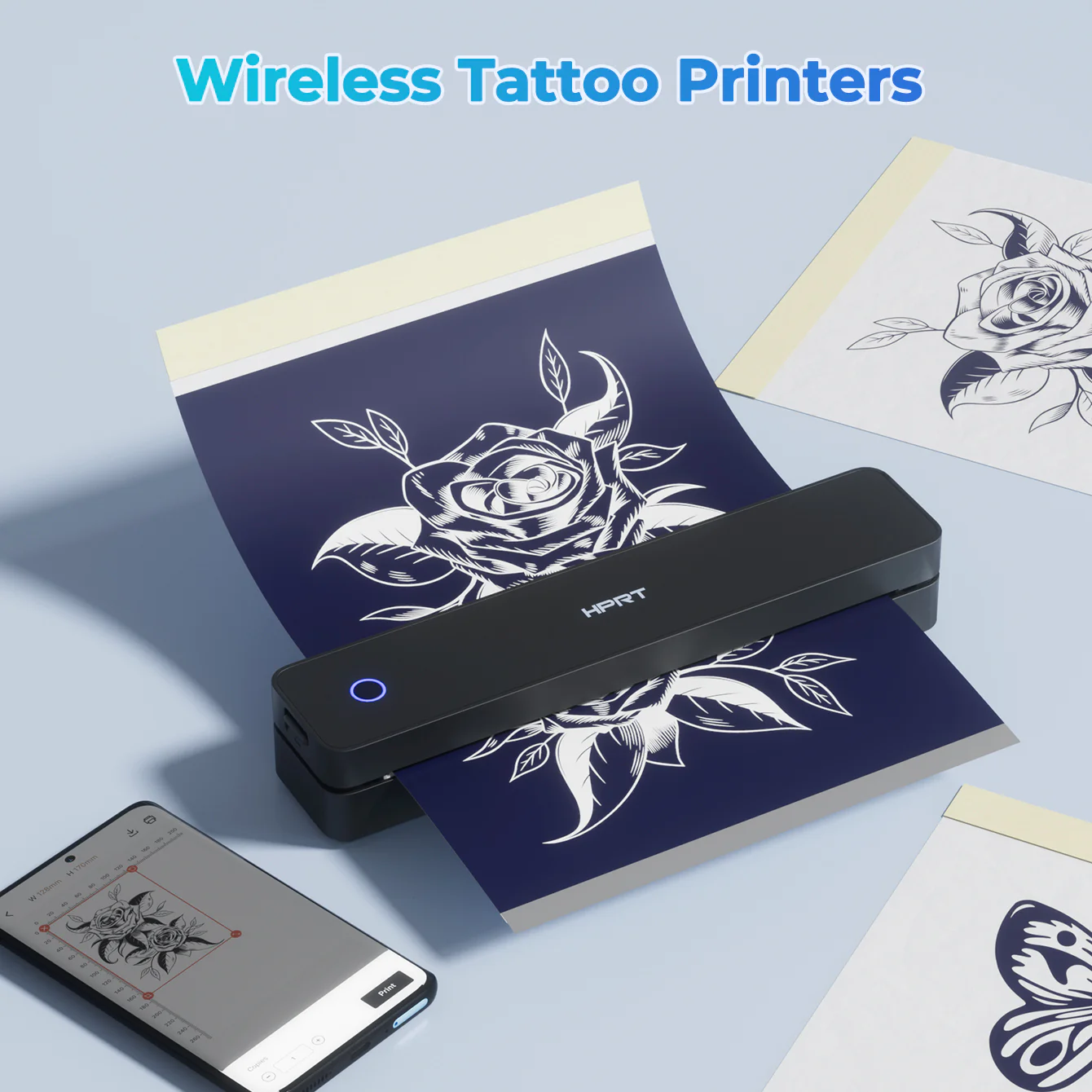
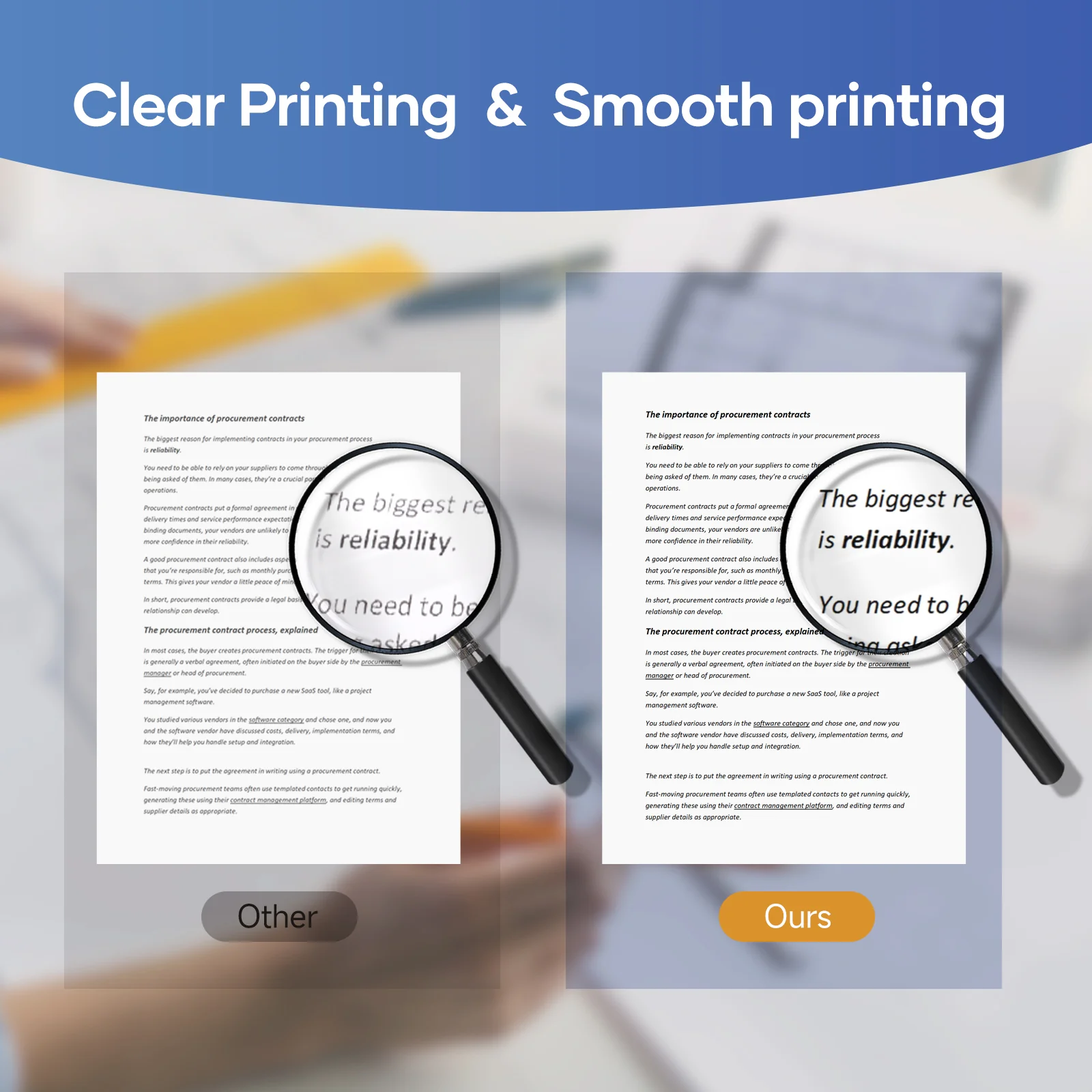
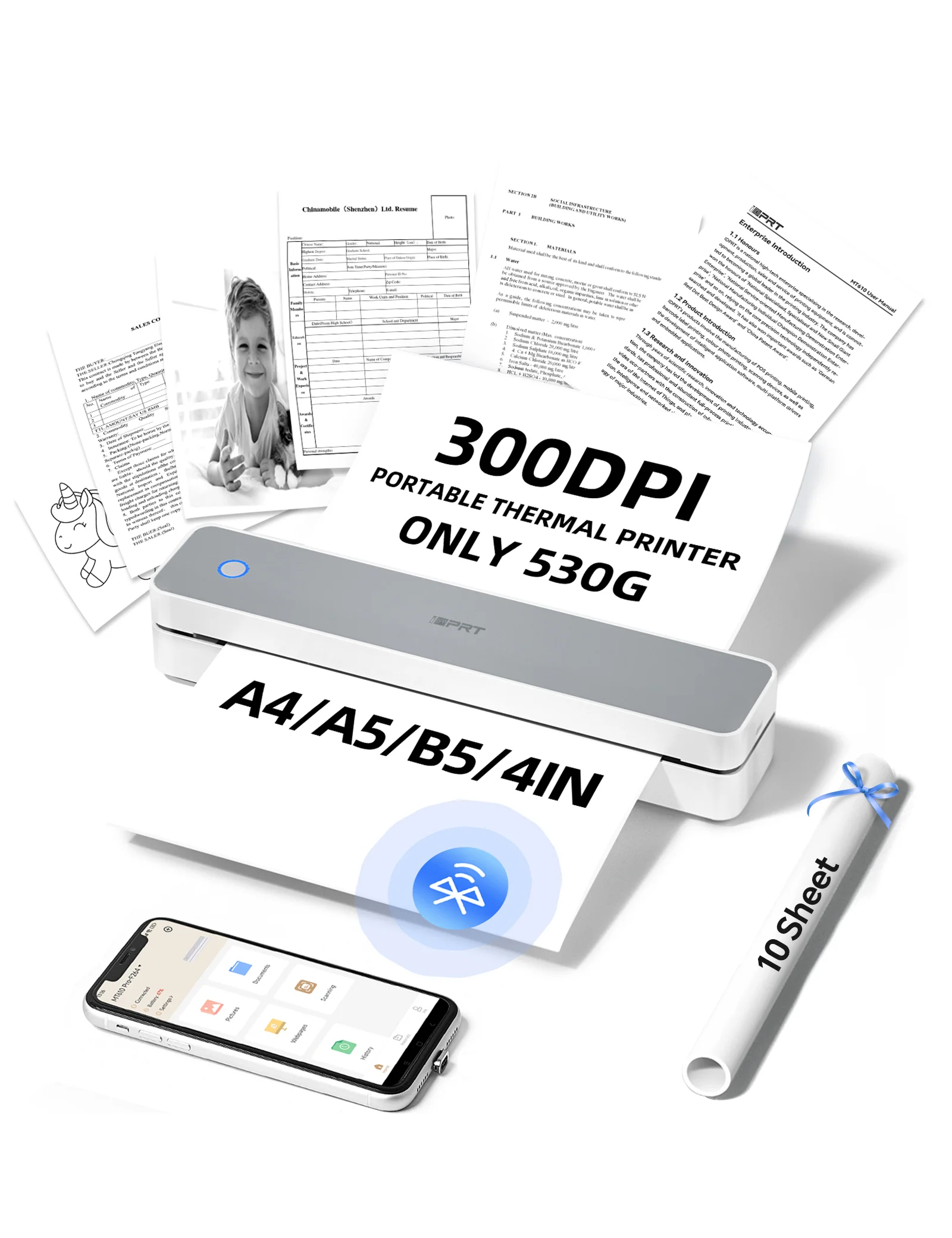
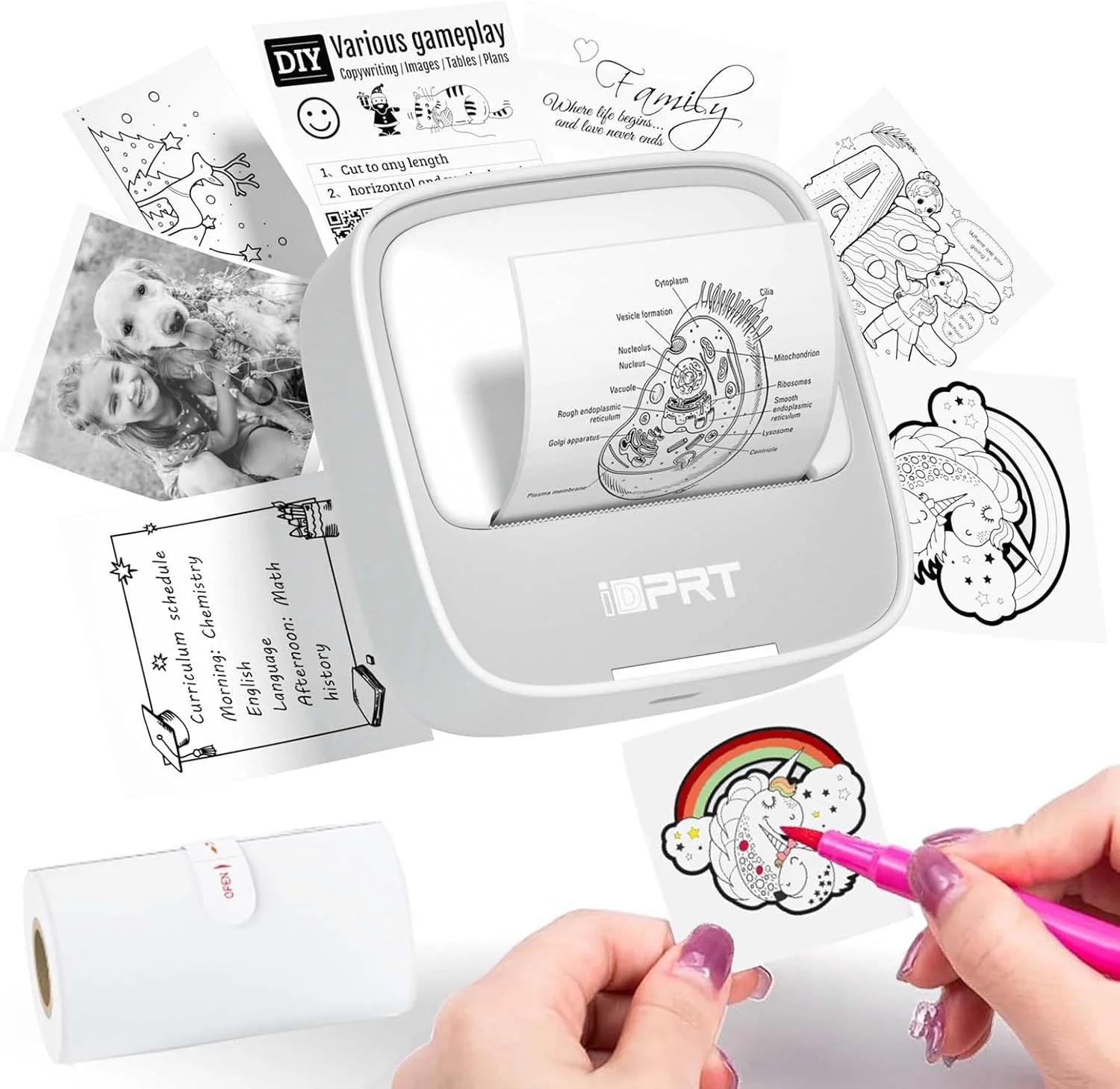
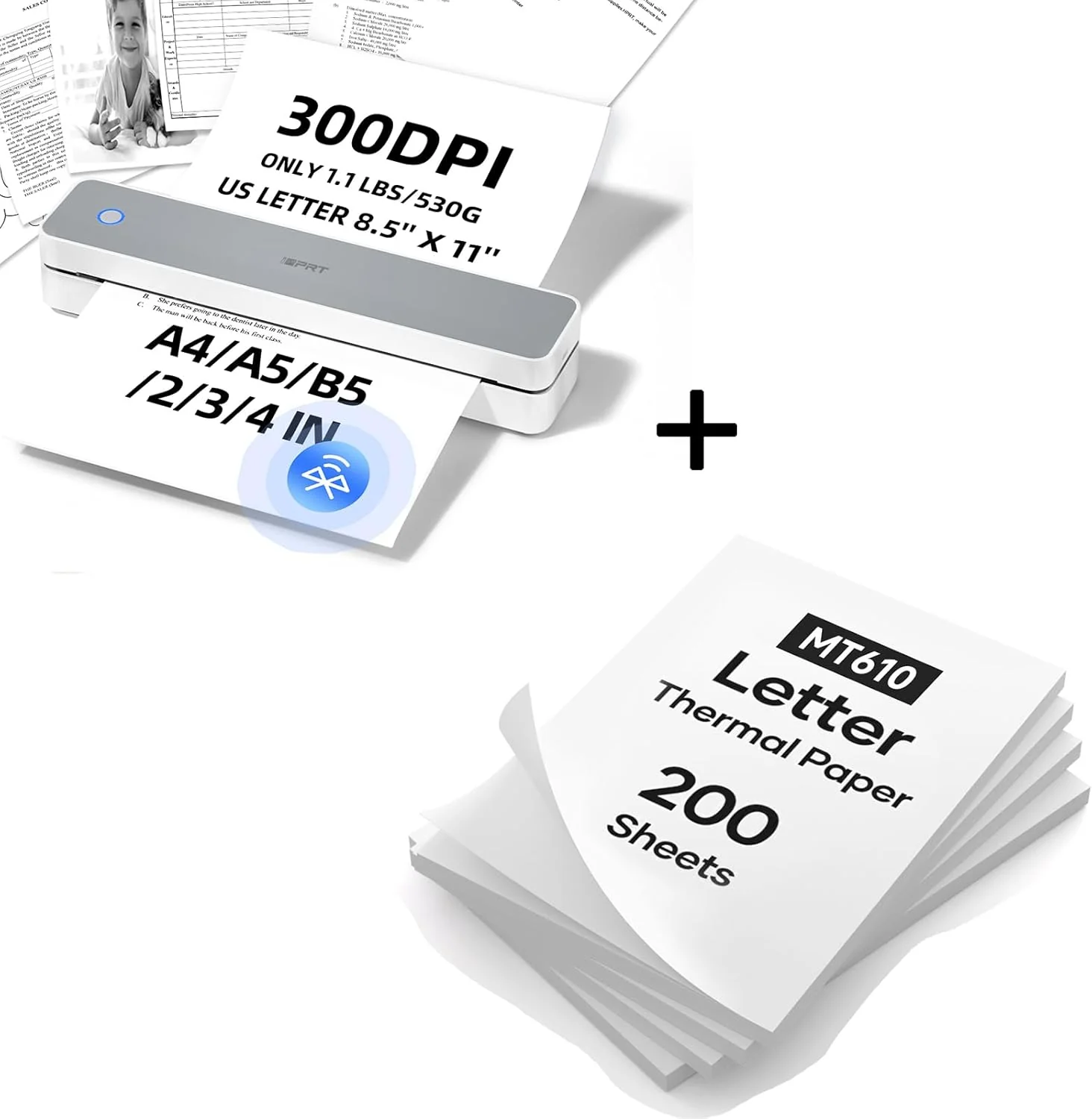
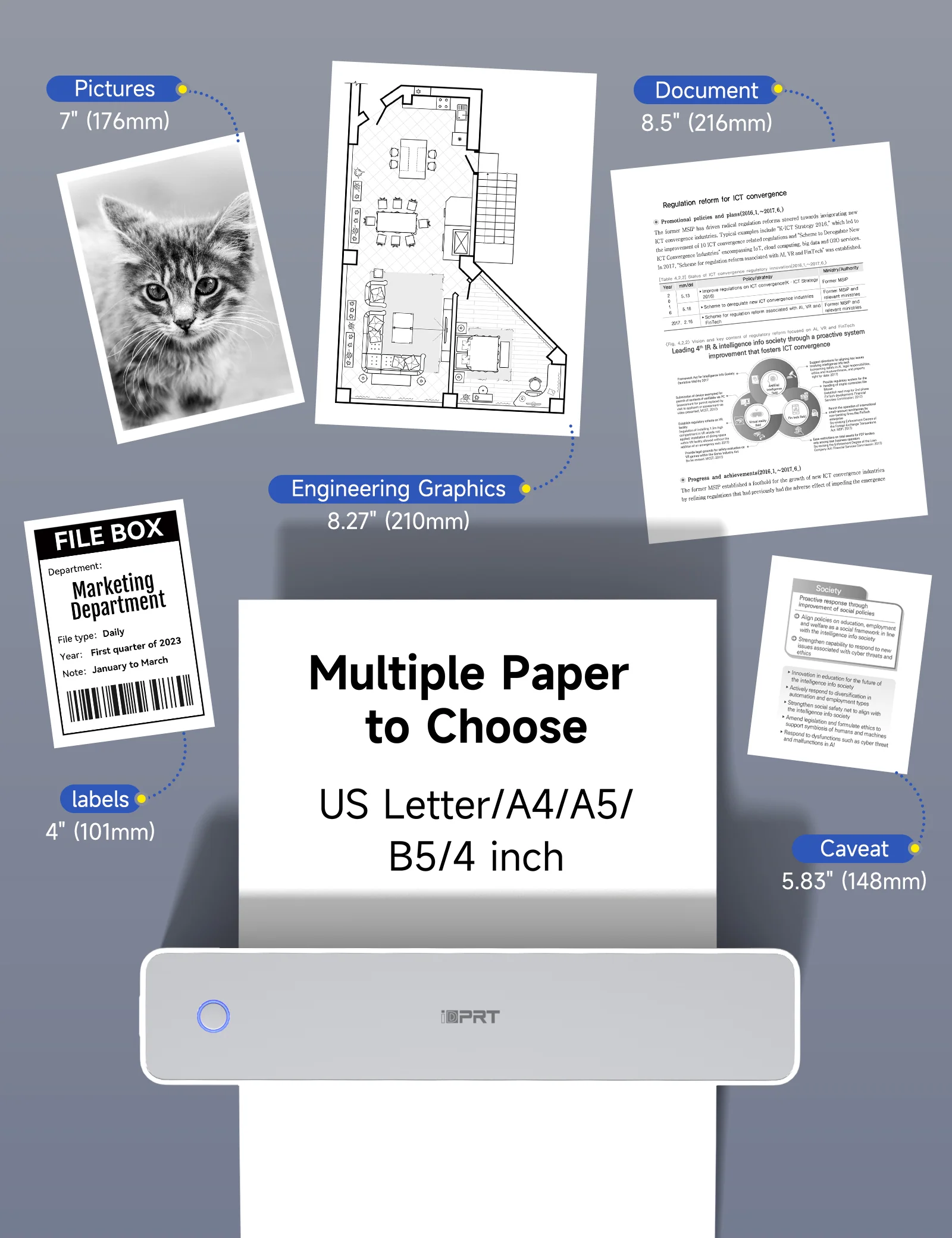
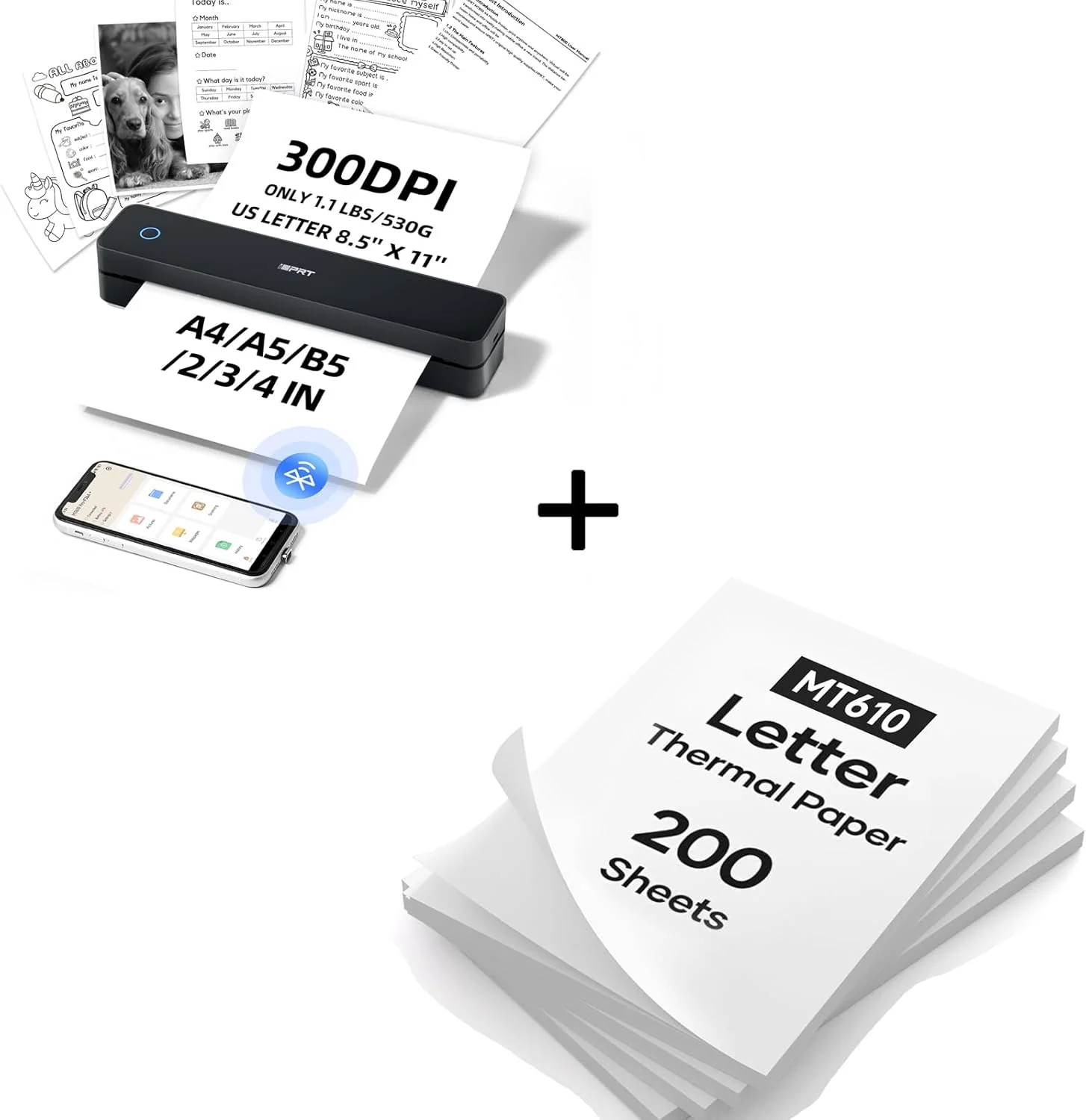
【ADVANCED INKLESS TECHNOLOGY】: The iDPRT MT610 portable thermal printer uses cutting-edge inkless technology for high-speed printing, producing US letter/A4 prints in just 4-6 seconds without compromising quality
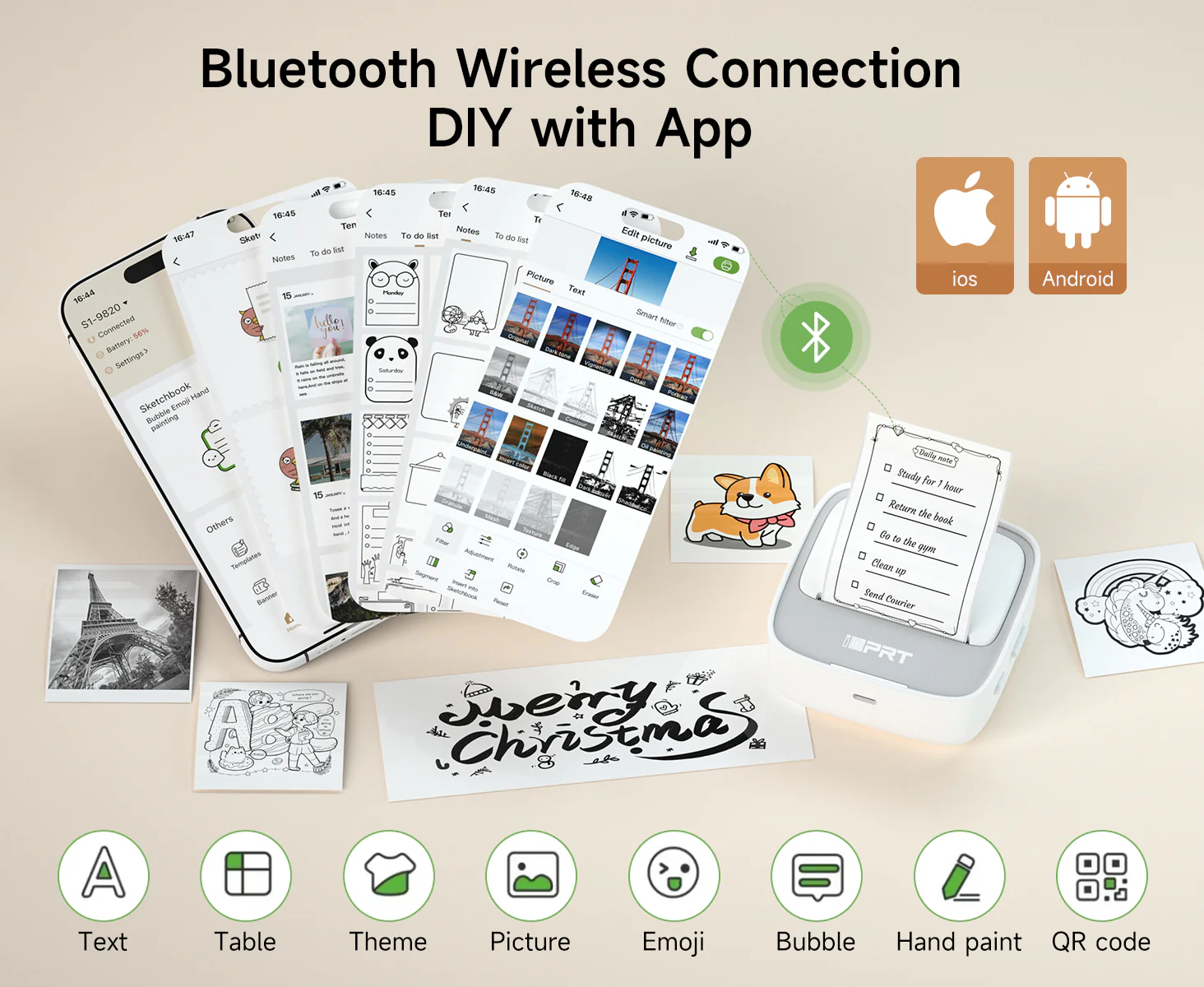
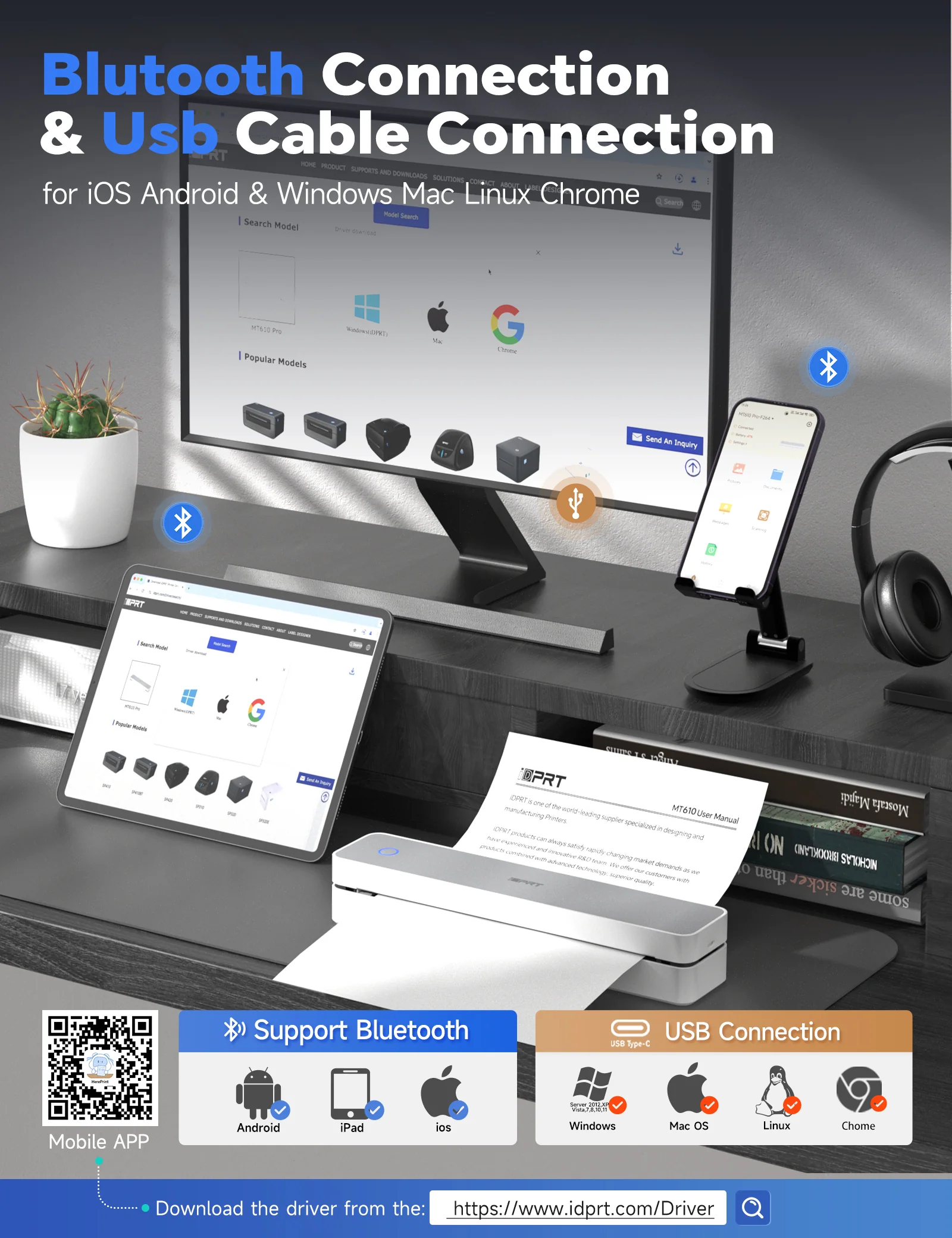
【VERSATILE COMPATIBILITY】: Supports a wide range of devices including laptops (Mac, Windows, Linux), Chrome OS, and mobile phones, with the free "HerePrint" app offering extensive functions for creative printing
【EASY TO USE】: Connects effortlessly to iOS and Android devices via Bluetooth, and to laptops and computers through USB. The "HerePrint" app simplifies smartphone printing, while a driver is needed for computer use
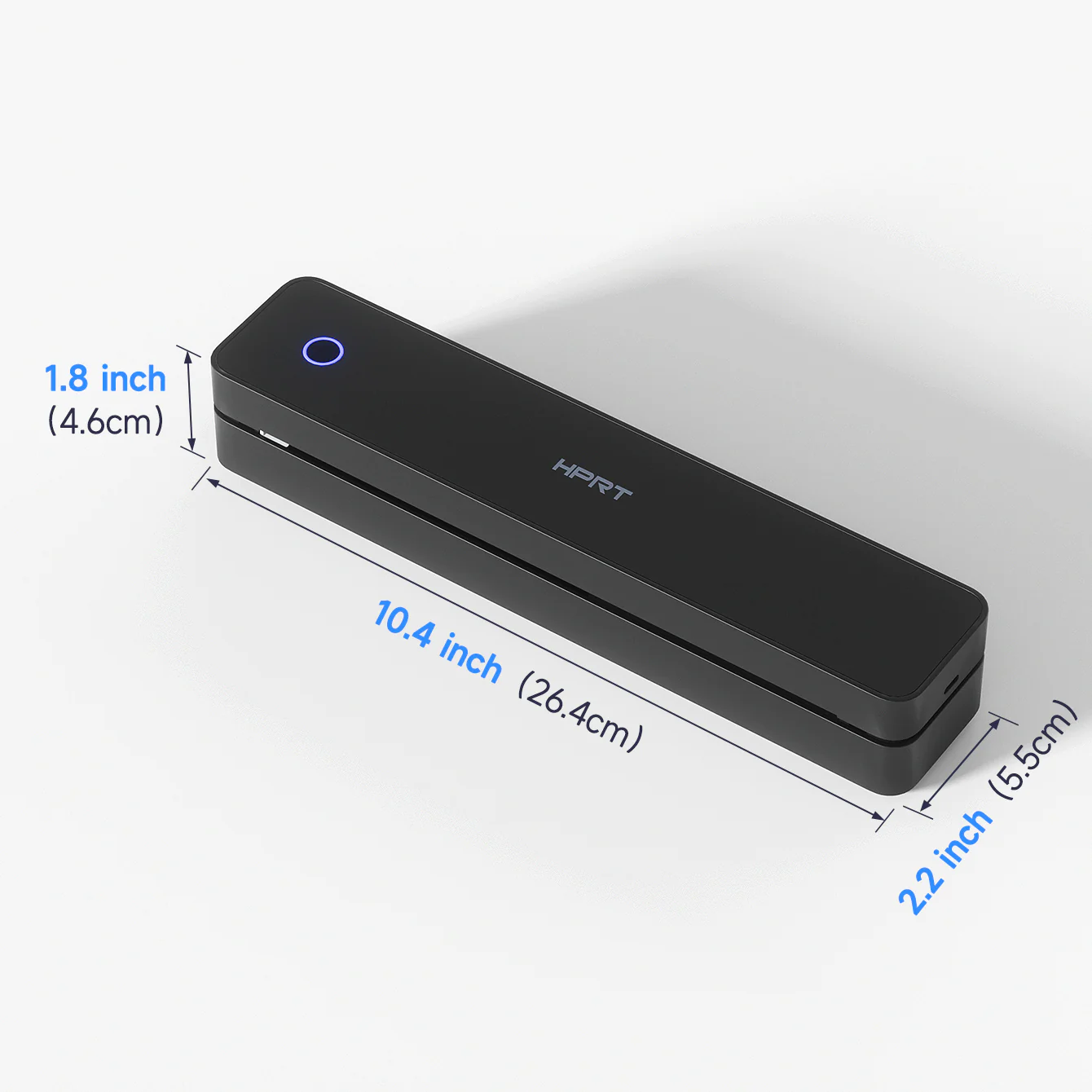
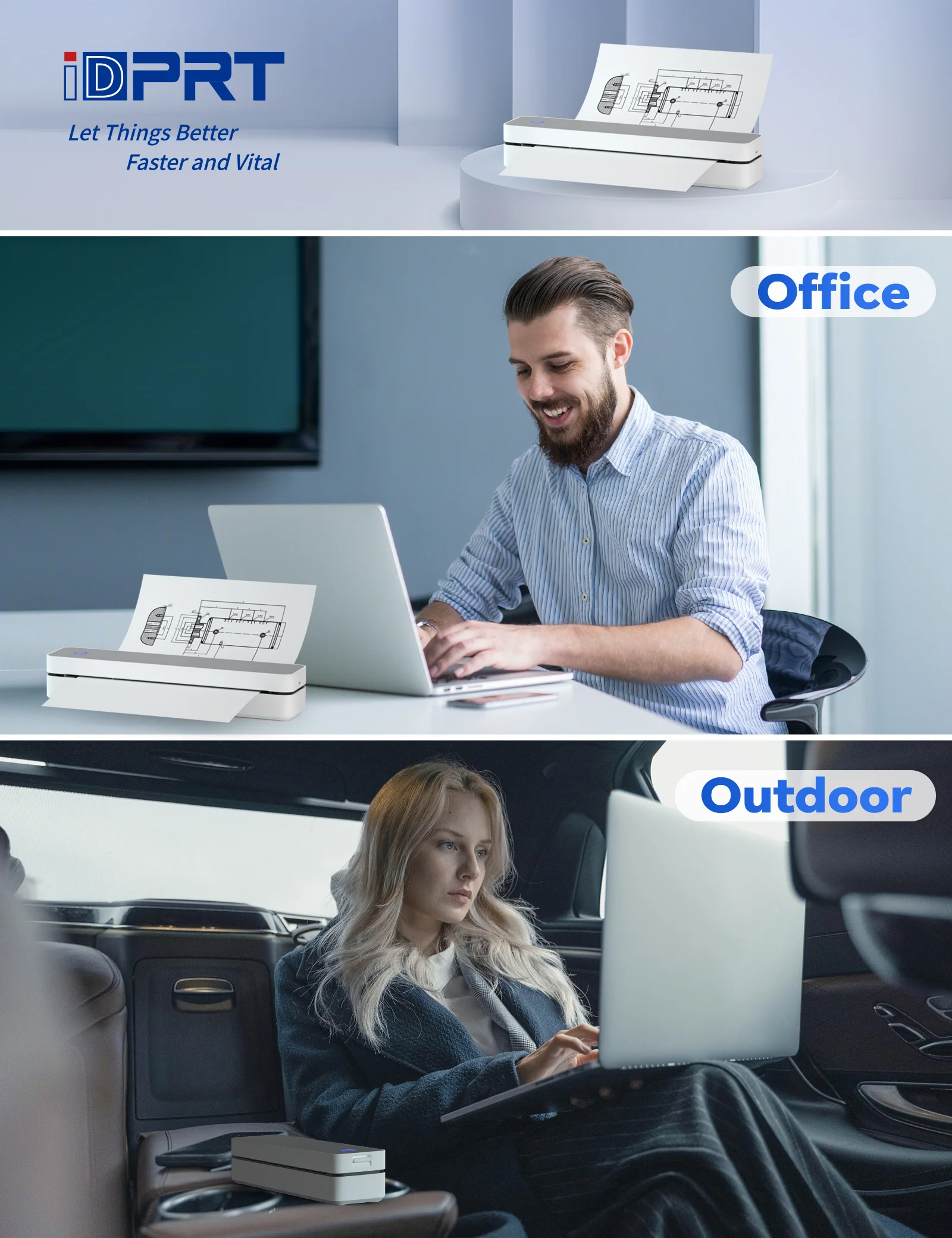
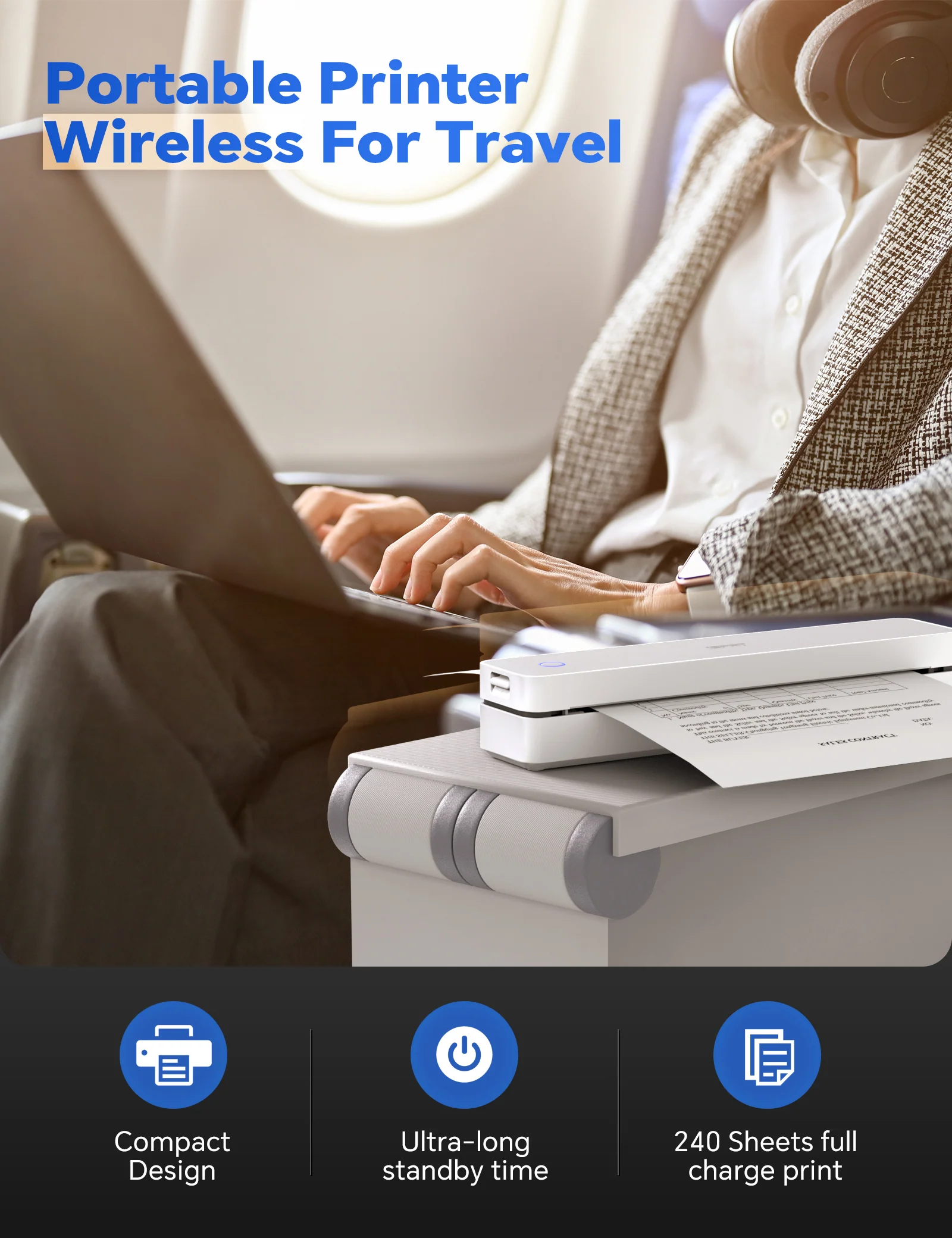
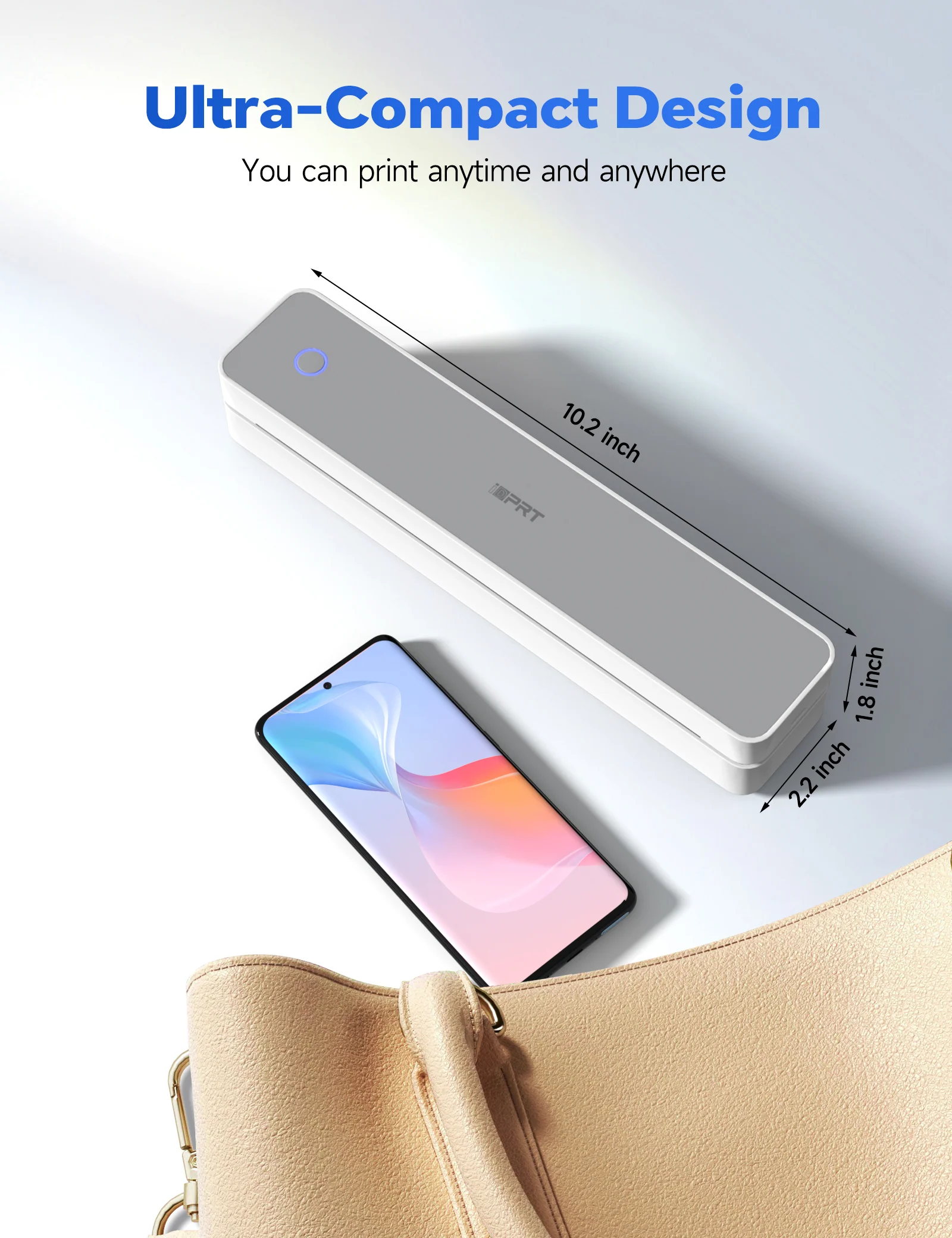
【ULTRA-PORTABLE DESIGN】: At only 1.1 lbs and 10.2 x 2.2 x 1.8 inch body size, this lightweight, compact printer is ideal for travel and on-the-go use, fitting easily into backpacks or briefcases
【HIGH-QUALITY PRINTING & LONG-LASTING BATTERY】: Experience crystal-clear printing with the MT610 300DPI portable travel printer. Equipped with 1 built-in 2000mAh batteries, it offers up to 4 hours of continuous printing and 360 sheets on a single charge
【CELL PHONE START PRINT】: Step 1: Download APP "HerePrint"; Step 2: Turn on the MT610 and make a Bluetooth connection in the APP; Step 3: Click the "+" sign to complete the device connection and select the file type to start print
【PC STARTS PRINTING】: Step 1:Please download and install the MT610 driver from the iDPRT website; Step 2: Use the USB cable to connect the MT610 printer to your computer; Step 3: Select and open your document, and choose iDPRT MT610 Pro-xxx in the printer list
Details & Craftsmanship
Every detail has been carefully considered to bring you the perfect product.
Details & Craftsmanship
Every detail has been carefully considered to bring you the perfect product.
Details & Craftsmanship
Every detail has been carefully considered to bring you the perfect product.
Details & Craftsmanship
Every detail has been carefully considered to bring you the perfect product.
Details & Craftsmanship
Every detail has been carefully considered to bring you the perfect product.
Details & Craftsmanship
Every detail has been carefully considered to bring you the perfect product.
Description
【ADVANCED INKLESS TECHNOLOGY】: The iDPRT MT610 portable thermal printer uses cutting-edge inkless technology for high-speed printing, producing US letter/A4 prints in just 4-6 seconds without compromising quality
【VERSATILE COMPATIBILITY】: Supports a wide range of devices including laptops (Mac, Windows, Linux), Chrome OS, and mobile phones, with the free "HerePrint" app offering extensive functions for creative printing
【EASY TO USE】: Connects effortlessly to iOS and Android devices via Bluetooth, and to laptops and computers through USB. The "HerePrint" app simplifies smartphone printing, while a driver is needed for computer use
【ULTRA-PORTABLE DESIGN】: At only 1.1 lbs and 10.2 x 2.2 x 1.8 inch body size, this lightweight, compact printer is ideal for travel and on-the-go use, fitting easily into backpacks or briefcases
【HIGH-QUALITY PRINTING & LONG-LASTING BATTERY】: Experience crystal-clear printing with the MT610 300DPI portable travel printer. Equipped with 1 built-in 2000mAh batteries, it offers up to 4 hours of continuous printing and 360 sheets on a single charge
【CELL PHONE START PRINT】: Step 1: Download APP "HerePrint"; Step 2: Turn on the MT610 and make a Bluetooth connection in the APP; Step 3: Click the "+" sign to complete the device connection and select the file type to start print
【PC STARTS PRINTING】: Step 1:Please download and install the MT610 driver from the iDPRT website; Step 2: Use the USB cable to connect the MT610 printer to your computer; Step 3: Select and open your document, and choose iDPRT MT610 Pro-xxx in the printer list